
Seedance Workflow: History, Credits, and Repeatable Production
Build a reliable Seedance workflow with practical steps for generation history, credit control, and repeatable production routines for creators and small teams.
Most teams do not fail because they lack ideas. They fail because they cannot repeat quality output consistently.
A practical seedance workflow solves that by turning random generation into a system you can run every week.
This guide shows how to use history, credits, and simple production rules to make your output more stable and easier to scale.
If you want to start while reading: Seedance AI Video Generator
TL;DR
- A reliable seedance workflow needs process, not just prompts.
- Save and review generation history every week.
- Manage credits with clear planning and retry limits.
- Use templates to reduce random quality swings.
- Standardize review steps before publishing clips.
Why Most AI Video Workflows Break
Without structure, teams repeat the same problems:
- good prompt versions get lost,
- retries explode without clear limits,
- budgets drift because no one tracks usage patterns,
- output quality changes from day to day.
A strong seedance workflow prevents these issues with simple repeatable routines.
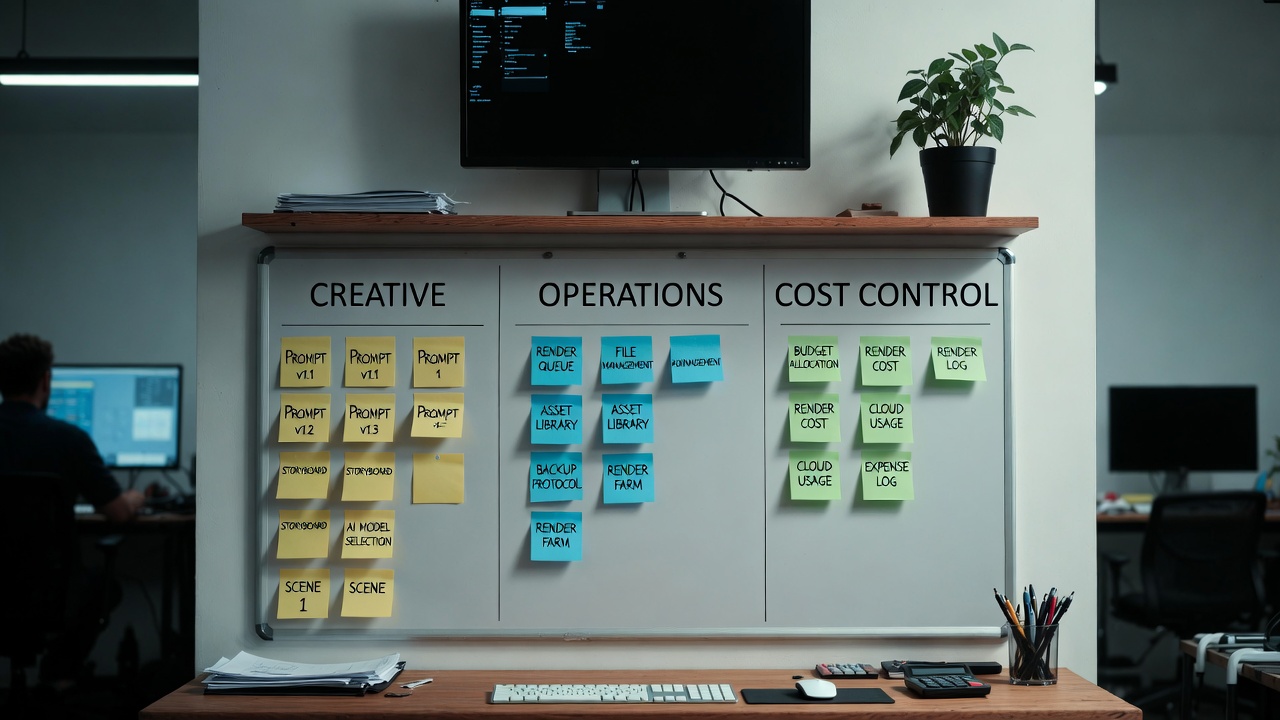
The 3-Layer Workflow Model
Use three layers together.
| Layer | Goal | Practical action |
|---|---|---|
| Creative layer | Prompt quality | Use fixed templates and version naming |
| Operational layer | Production stability | Track history and keep weekly review cadence |
| Cost layer | Credit efficiency | Plan monthly credits and retry limits |
This model keeps your seedance workflow balanced across creativity, speed, and budget.
Step 1: Build a Prompt Version System
Use a naming rule for every generation.
Example format:
campaign-topic-duration-angle-v1
Examples:
spring-sale-shoes-5s-time-saving-v1creator-intro-10s-one-shot-v2
Why this matters for your seedance workflow:
- faster retrieval in history,
- clearer comparison of variants,
- easier handoff between team members.
Step 2: Use History as a Weekly Feedback Tool
Generation history is not just an archive. It is your performance record.
Every week, review:
- Which prompts produced usable outputs fastest.
- Which themes needed too many retries.
- Which durations (5s vs 10s) worked better for each content type.
- Which output styles are worth turning into templates.
This turns your seedance workflow into a learning system.
Step 3: Add Credit Guardrails
Credits should be managed like production resources.
Use three guardrails:
- Set a weekly generation budget.
- Set a max retry count per concept.
- Escalate only high-potential concepts for deeper iteration.
A disciplined seedance workflow protects creative exploration without burning budget.
Step 4: Standardize Pre-Generate Checks
Before clicking Generate, run this checklist:
- Is the objective of this clip clear?
- Is the prompt version named correctly?
- Is the duration (5s/10s) aligned with the message?
- Is camera direction simple and readable?
- Is the ending frame usable for publishing?
If two or more answers are no, fix first.
This small habit improves seedance workflow consistency quickly.
Step 5: Use a Simple Post-Generate Review Rubric
Rate each clip on 1-5 scale:
- message clarity,
- motion continuity,
- visual consistency,
- end-frame usability,
- conversion relevance.
Keep only clips above your threshold (for example, average 4+).
This gives your seedance workflow a quality standard that is easy to apply.
Solo Creator Workflow (Fast Mode)
If you work alone, use this lean routine:
- Monday: generate 8-12 first drafts.
- Tuesday: shortlist and refine top 3.
- Wednesday: finalize and publish.
- Friday: review history and log lessons.
This lightweight seedance workflow keeps output moving without process overload.
Small Team Workflow (Operator + Reviewer)
For small teams, separate roles:
- Operator: runs prompt variants and logs versions.
- Reviewer: scores outputs and approves publish-ready clips.
Weekly cycle:
- Planning: decide campaign goal and clip types.
- Production: generate variants by template.
- Review: score and select winners.
- Optimization: update templates from best outputs.
This role split helps seedance workflow quality stay stable as volume grows.
Template Library: The Real Speed Multiplier
Create a small internal template set:
- 5s product hook template,
- 10s story template,
- one-shot continuity template,
- comparison template.
For each template, document:
- ideal use case,
- prompt skeleton,
- common failure pattern,
- fix suggestions.
A template library makes your seedance workflow faster and less random.
Common Workflow Mistakes and Fixes
Mistake 1: No naming convention
Fix: enforce version naming before generation.
Mistake 2: Unlimited retries
Fix: set retry cap and stop-loss rule.
Mistake 3: No weekly review ritual
Fix: schedule a fixed 30-minute history review.
Mistake 4: Rewriting prompts from scratch every time
Fix: start from templates and change one variable.
A repeatable seedance workflow is built by reducing avoidable randomness.
30-Minute Weekly Review Agenda
Run this every week:
- Top 3 best-performing prompts.
- Top 3 failed prompt patterns.
- Credits used vs usable outputs.
- New template candidates.
- Next-week experimentation focus.
This agenda keeps your seedance workflow improving steadily.
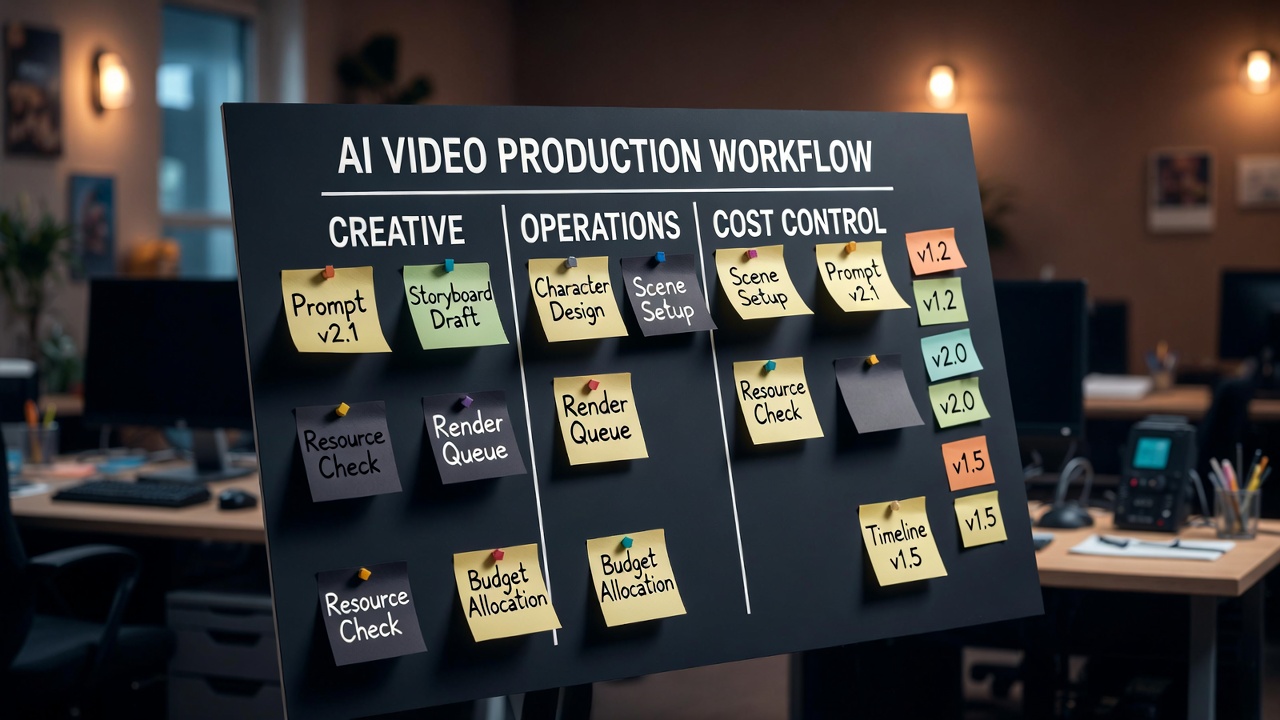
Daily Execution Board (Simple and Effective)
If your seedance workflow feels messy during the week, use a daily board with three columns:
Ready to GenerateIn ReviewApproved for Publish
For each clip card, keep five fields:
- prompt version name,
- objective (awareness, click, conversion),
- duration (5s or 10s),
- credits used so far,
- pass/fail review note.
This keeps the seedance workflow visible and reduces repeated work.
Retry Policy That Protects Quality and Budget
Many teams lose time because there is no retry policy.
Use this practical rule set:
- First pass:
- run 2 quick variants with the same structure.
- Second pass:
- if both fail, change one variable only (camera, pacing, or ending frame).
- Third pass:
- if still weak, stop and move to next concept.
Add one exception:
- allow extra retries only for high-priority campaigns.
This policy makes your seedance workflow efficient without killing experimentation.
Production Handoff Format (Operator to Reviewer)
If multiple people touch the same asset, standardize handoff notes:
Clip ID: [name]
Goal: [what this clip should achieve]
Best version so far: [vX]
Why this version: [1 sentence]
Known issues: [1-2 points]
Next test suggestion: [one variable to change]
This format keeps your seedance workflow collaborative and reduces rework loops.
Failure Log: Turn Bad Outputs into Assets
Do not delete failed ideas mentally. Log them.
Create a small failure log with:
- prompt pattern that failed,
- likely reason,
- correction tried,
- result after correction.
After four weeks, your seedance workflow becomes stronger because common mistakes are documented and avoidable.
Monthly Workflow Reset Checklist
At month end, run this reset:
- Archive low-performing templates.
- Promote top-performing prompts into the main template set.
- Recalculate average credits per publishable clip.
- Remove unclear naming patterns.
- Set one improvement goal for next month.
This reset keeps the seedance workflow clean and scalable as volume grows.
15-Minute Onboarding for New Team Members
When someone new joins, most teams explain tools but not process. That breaks consistency.
Use this short onboarding flow for your seedance workflow:
- Show naming format and version examples.
- Explain retry policy and stop rules.
- Walk through one real history review case.
- Let them run one generation and one review cycle.
- Confirm they can log outputs in the same format.
This makes the seedance workflow transferable, not dependent on one operator.
If onboarding is skipped, teams often create invisible workflow fragmentation: each person uses different naming, retry logic, and quality thresholds. Standard onboarding avoids that drift. Over time, this is one of the strongest improvements you can make to keep a seedance workflow reliable as output volume increases.
Treat onboarding as part of production, not admin overhead. It directly impacts consistency, cost control, and delivery speed in any seedance workflow. That single change often improves delivery confidence immediately.
KPI Suggestions for Workflow Health
Track simple metrics:
| KPI | Why it matters | Target idea |
|---|---|---|
| Retry per usable clip | Measures prompt efficiency | Trend down over time |
| Usable output rate | Measures creative quality | Trend up over time |
| Credits per published clip | Measures cost control | Stay within monthly target |
| Time to publish | Measures operational speed | Shorten week by week |
Tracking these numbers makes your seedance workflow operational, not guesswork.
FAQ
Do I need a team to use this workflow?
No. Solo creators can use the same system at smaller scale.
How many templates should I start with?
Start with three to five. Expand only when they are stable.
Should I review history daily?
Weekly is enough for most creators. Daily can be too noisy.
What is the fastest improvement lever?
Version naming + retry caps + weekly review.
When should I change workflow rules?
When your output volume or content type changes significantly.
Recommended Next Steps
- Start generating now
- Read the Seedance pricing strategy guide
- Use one-shot prompts for continuity
- Review available pricing options
Final Takeaway
A strong seedance workflow makes quality repeatable.
Name versions clearly. Review history weekly. Control credits with rules.
Do this consistently, and your team can produce better videos with less chaos.
Next step: Set up your weekly workflow routine and run your next batch
Disclaimer: This site is an independent product and is not an official Seedance service. Generated outputs may vary based on prompt quality, model behavior, and policy constraints.
Categories
More Posts

Seedance Timeline Prompt: Control 5s and 10s Clips Precisely
Learn a practical Seedance timeline prompt method for 5-second and 10-second clips with clear timing blocks, copy-ready templates, and fast debugging steps.

One-Shot AI Video Prompt: Make Smooth Videos Without Jump Cuts in Seedance 2.0
Use this one-shot AI video prompt guide to create continuous camera motion in Seedance 2.0, with practical 5s and 10s templates, fixes, and reusable workflows.

Seedance Prompt Guide: The 5-Element Method for Seedance 2.0
Use this Seedance prompt guide to write better prompts with a clear 5-element method: subject, scene, action, camera, and atmosphere.