
One-Shot AI Video Prompt: Make Smooth Videos Without Jump Cuts in Seedance 2.0
Use this one-shot AI video prompt guide to create continuous camera motion in Seedance 2.0, with practical 5s and 10s templates, fixes, and reusable workflows.
If your generated clip looks smooth for two seconds and then suddenly feels broken, the issue is usually not style. It is shot logic.
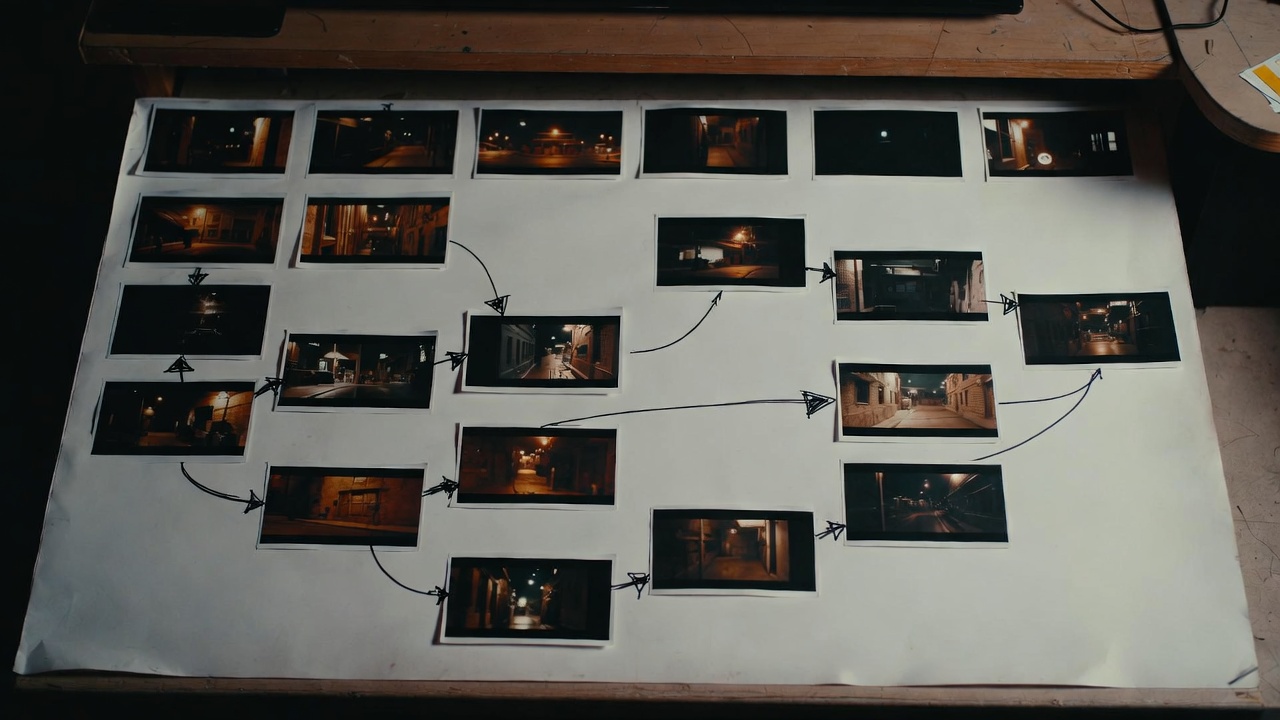
A one-take result needs one continuous path: where the camera starts, how it moves, what it follows, and where it ends.
That is exactly what this one shot ai video prompt guide solves.
In this article, you will learn how to write prompts that keep motion continuous in Seedance 2.0, especially for real production lengths in your workflow: 5-second and 10-second clips.
If you want to test while reading: Seedance AI Video Generator
TL;DR
- A strong one shot ai video prompt defines one camera path from start to finish.
- Write one subject, one route, one pacing curve, one ending frame.
- For 5s clips, keep the route short and readable.
- For 10s clips, split motion into setup, transition, and payoff.
- If output breaks, fix one movement variable at a time.
Why One-Shot Prompts Fail (Even When the Idea Is Good)
Most creators describe what they want to see, but not how the camera should travel.
For example, this looks descriptive but is weak:
A cinematic street scene, dramatic movement, immersive and realistic.
The model still has to guess:
- Is the camera in front of the subject or behind?
- Is it walking speed, running speed, or floating speed?
- Is the route straight, curved, or multi-directional?
- What should happen in the final second?
A practical one shot ai video prompt removes those guesses.
Core Formula for a One-Shot AI Video Prompt
Use this structure:
[Subject] + [Start frame] + [Continuous route] + [Single pacing curve] + [End frame]You can add atmosphere after that, but this five-part core should stay stable.
| Element | What it controls | Example |
|---|---|---|
| Subject | What camera follows | A woman in a red raincoat |
| Start frame | Initial camera position | Medium front shot, eye level |
| Continuous route | Where camera travels | Track backward along narrow alley |
| Pacing curve | Speed behavior | Slow start, steady mid, slight accelerate |
| End frame | Reusable ending image | Hold close-up for 0.5s |
A clean one shot ai video prompt is not long. It is consistent.
5-Second One-Shot Template (Best for Fast Testing)
In 5 seconds, every movement choice is visible. Keep it simple.
5s Block Logic
0-2s: establish subject + movement direction
2-4s: keep one stable follow path
4-5s: lock ending frame and hold briefly
Copy-Ready 5s Prompt Template
A [subject] in [scene].
Camera starts [start frame], then continuously [route] at [speed].
Keep motion smooth and uncut, no hard cuts.
End on [ending frame] and hold for the last beat.
Atmosphere: [light/tone/sound].
Example 5s Prompt
A courier in a yellow jacket runs through a rainy market lane at night.
Camera starts in medium front shot, then tracks backward in one continuous line at steady speed.
Keep movement smooth and uncut, no hard cuts.
End on a tight face-and-shoulder frame as the courier slows near a neon sign, hold final beat.
Atmosphere: wet reflections, cool neon glow, distant crowd ambience.
This one shot ai video prompt works because it tells the model exactly how not to break continuity.
10-Second One-Shot Template (For Story and Flow)
A 10-second one-take can carry more story, but only if route and pacing are planned.
10s Block Logic
0-3s: setup and direction
3-7s: route progression with one camera behavior
7-10s: emotional or visual payoff + stable hold
Copy-Ready 10s Prompt Template
0-3s: [subject + scene + start framing].
3-7s: Camera continuously [route], maintaining [distance/angle] while subject [action].
7-10s: Camera reaches [ending position], subject [final action], hold final frame.
No cuts, one-shot continuity only.
Atmosphere: [tone, lighting, sound].
Example 10s Prompt
0-3s: A chef exits a small kitchen into a warm dining hall, camera starts behind-left at waist height.
3-7s: Camera continuously tracks with the chef through tables, maintaining medium distance as the chef carries a plated dish.
7-10s: Camera arcs slightly to front angle as the dish is placed on the table, then holds on steam and smile.
No cuts, one-shot continuity only.
Atmosphere: warm tungsten light, soft room chatter, cozy evening tone.
A structured one shot ai video prompt gives you continuity and usable endings, not random motion.
Camera Language That People Can Actually Use
You do not need a film-school vocabulary list. You need a repeatable method.
Use this 3-step rule:
- Choose one follow mode: front follow, side follow, or behind follow.
- Keep one distance band: close, medium, or wide.
- Define one ending lock: where to stop and hold.
Simple Mapping Table
| Goal | Camera choice | Prompt phrase |
|---|---|---|
| Keep focus on face emotion | Front follow + medium-close | track backward from front, keep face centered |
| Show movement through space | Side follow + medium | side tracking motion, keep full upper body visible |
| Build immersion | Behind follow + wide-medium | follow from behind, reveal scene depth ahead |
These phrases make your one shot ai video prompt easier to reproduce across different scenes.
Common Continuity Problems and Direct Fixes
Problem 1: Sudden jump in camera angle
Cause: too many camera verbs in one line.
Fix: choose one path verb only (track, follow, or push) and keep it for the middle section.
Problem 2: Subject exits frame too early
Cause: distance and speed were not stated.
Fix: specify distance and pace.
Example fix:
maintain medium distance, steady speed, subject centered 60% of frame
Problem 3: Ending frame is unusable
Cause: no explicit hold instruction.
Fix: always add final hold.
Example fix:
end on stable medium close-up, hold last 0.5s
A resilient one shot ai video prompt always protects the ending frame.
Debug Workflow: Improve Without Wasting Credits
Do this every time output is close but not there:
- Save the original as
v1. - Duplicate into
v2. - Change only one variable:
- route direction,
- pace,
- camera distance,
- ending hold.
- Compare side by side.
- Keep the better one and continue from that version.
This workflow turns a one shot ai video prompt into a stable production method instead of trial-and-error guessing.
Practical Use Cases You Can Reuse
Use Case 1: Product Walkthrough (5s)
A sneaker on a reflective floor.
Camera starts close-up on laces, then continuously arcs to side profile at slow steady speed.
No cuts, one-shot continuity only.
End on clean hero angle with logo area visible, hold final beat.
Atmosphere: clean studio light, minimal ambience.
Use Case 2: Character Entrance (10s)
0-3s: A masked character enters a tunnel, camera begins behind at chest height.
3-7s: Camera follows continuously as character walks into mist, pace steady.
7-10s: Camera moves to slight front angle as character stops and turns, hold final stare.
No cuts, one-shot continuity only.
Atmosphere: low-key lighting, echoing footsteps, tense mood.
Use Case 3: POV Travel Shot (10s)
0-3s: First-person view begins at train platform edge.
3-7s: Continuous forward glide through crowd gap, slight right drift.
7-10s: Stop near train door with stable frame and brief hold.
No cuts, one-shot continuity only.
Atmosphere: station ambience, metallic reflections, morning rush energy.
Each example is a practical one shot ai video prompt starting point you can adapt quickly.
15-Minute Practice Drill
Run this once and you will feel the difference:
- Pick one subject and one location.
- Write a 5s version with one continuous route.
- Write a 10s version of the same scene.
- Generate both clips.
- Review only three things:
- route continuity,
- subject framing stability,
- final frame usability.
- Rewrite one weak part and run one more generation.
After a few rounds, your one shot ai video prompt writing becomes faster and much more predictable.
What to Avoid in One-Shot Prompts
Avoid these patterns:
pan + orbit + push + pullall in one line.- three different movement directions in a 5-second clip.
- no end-frame instruction.
- visual style words with no route definition.
Your prompt should read like a camera path note, not a mood-only paragraph.
FAQ
Do I need to write exact second markers every time?
Not always. But for 10-second clips, markers usually improve control.
Can one-shot prompts work for ads?
Yes. They are useful for product reveals, app demos, and brand intros where continuous motion feels premium.
Should I include “no hard cuts” in the prompt?
Yes, especially when continuity is the goal. It reduces unexpected jump edits.
Why does the camera still drift sometimes?
Usually because route and distance are under-specified. Add one clear path and one distance rule.
Is one-shot always better than cut-based shots?
No. Use one-shot when immersion or continuity matters. Use cuts when you need fast scene changes.
Recommended Next Steps
- Start generating now
- Read the Seedance timeline prompt guide
- Use the 5-element prompt method
- Compare pricing before batch tests
Final Takeaway
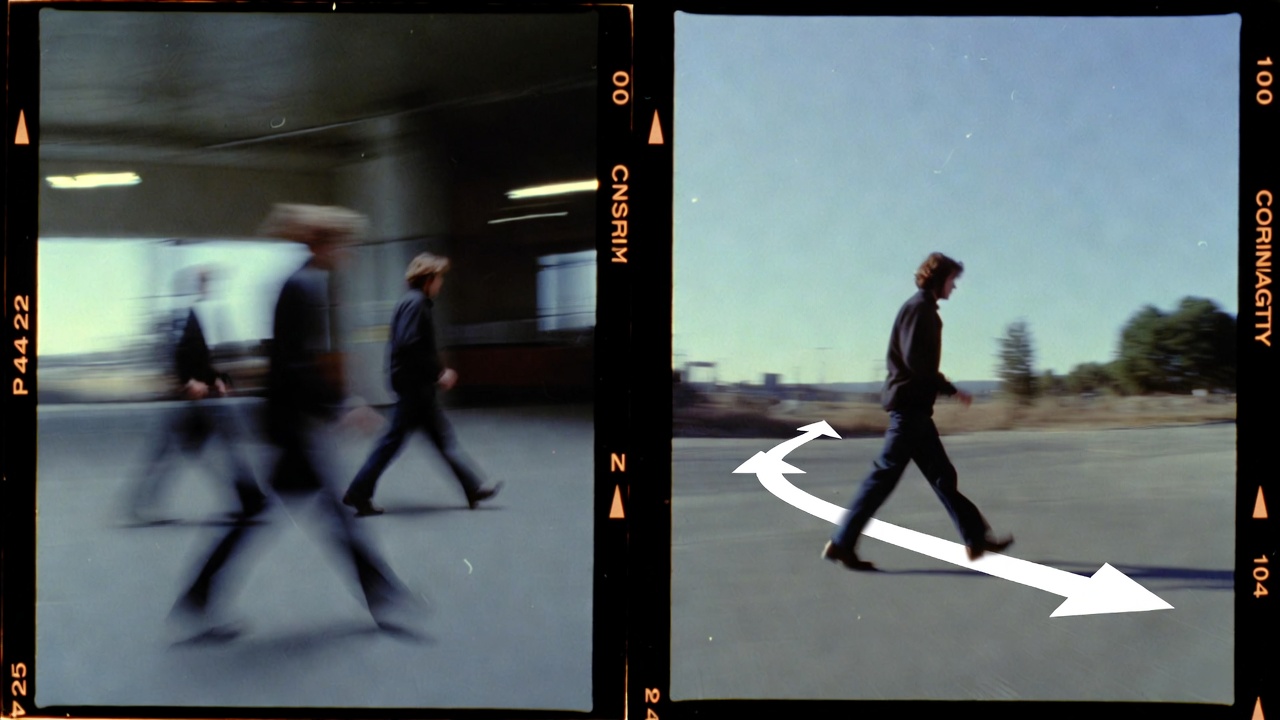
A good one shot ai video prompt does one thing very well: it protects continuity.
Define one route. Keep one pacing curve. Lock one ending frame.
When you write that clearly, Seedance outputs are easier to control, easier to iterate, and easier to reuse in real production.
Next step: Create your first one-shot clip now
Disclaimer: This site is an independent product and is not an official Seedance service. Generated outputs may vary based on prompt quality, model behavior, and policy constraints.
Categories
More Posts

Seedance AI 2.0: Why It Exploded Across the AI Video World in February 2026
From capability boundaries and visual consistency to creative workflow impact and social proof, this article explains the real value of Seedance AI 2.0.

Seedance Prompt Guide: The 5-Element Method for Seedance 2.0
Use this Seedance prompt guide to write better prompts with a clear 5-element method: subject, scene, action, camera, and atmosphere.

Seedance Product Ad Video: From Feature List to Conversion Script
Learn a practical Seedance product ad video workflow to turn product features into clear 5s and 10s ad scripts that are easier to test, iterate, and convert.